
STS2Bot - Slay the Spire 2 Bot for your Discord server
Do you play Slay the Spire 2 and have a Discord server with your friends, or a streamer with a Discord server, or a gaming community? Have you wanted to quickly pull images of cards, relics and potions when talking about that crazy run you just had?
tl;dr: 🔗 Install our Discord Bot on your Discord server to get commands like /card, /relic, /potion or /event.
If you don't run a server, you can still install it on your Discord account itself so you can use it in DMs and most servers.
What can STS2Bot do?
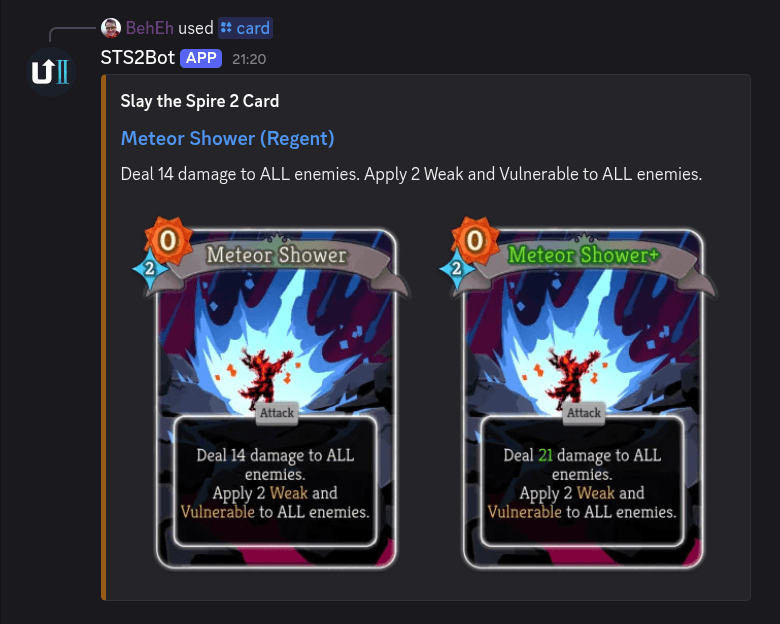
STS2Bot lets you and your server members quickly look up any card from Slay the Spire 2 by name. Just type the /card command, and the bot will fetch and display the card's image directly in the channel:
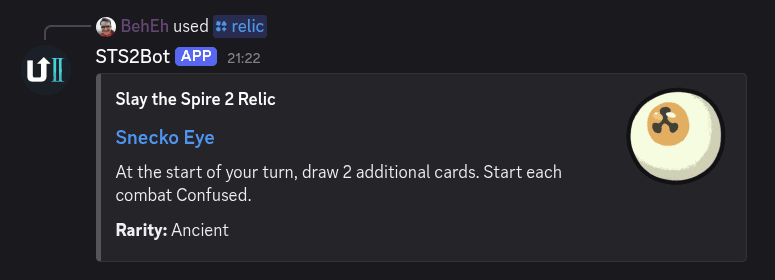
You can also search for any Slay the Spire 2 relic by name, by typing /relic:
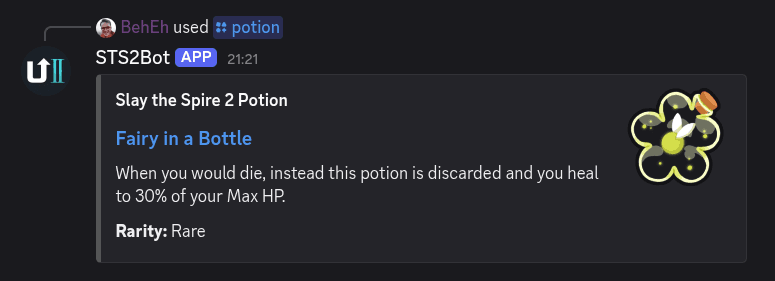
And finally, you can search for any Slay the Spire 2 potion by name, by typing /potion:
How to use STS2Bot?
First, you'll have to install the app within Discord. There are two ways to install STS2Bot:
- If you run or manage a Discord server, click here to directly add the bot to your server.
- If you don't run a specific Discord server or if you want to use STS2Bot on multiple servers, click here to add it to your Discord account, and it will work anywhere!
Once installed, you can use it by typing a slash (/), or by clicking the apps icon at the very right of your text entry (on Desktop) or on the left (on Mobile):
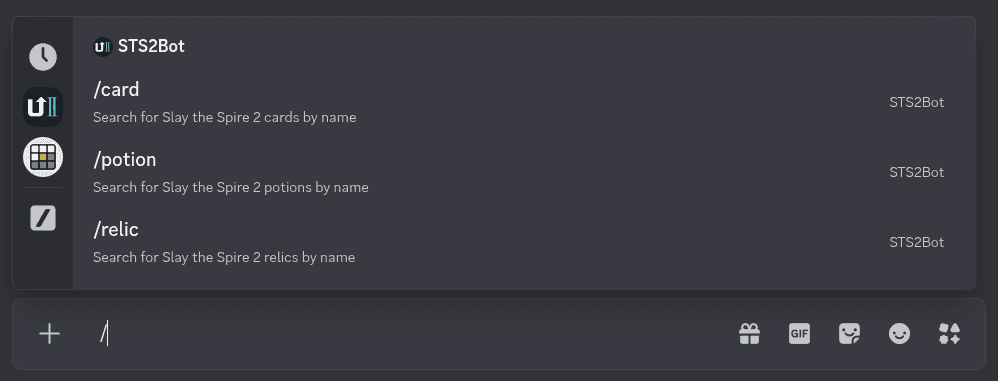
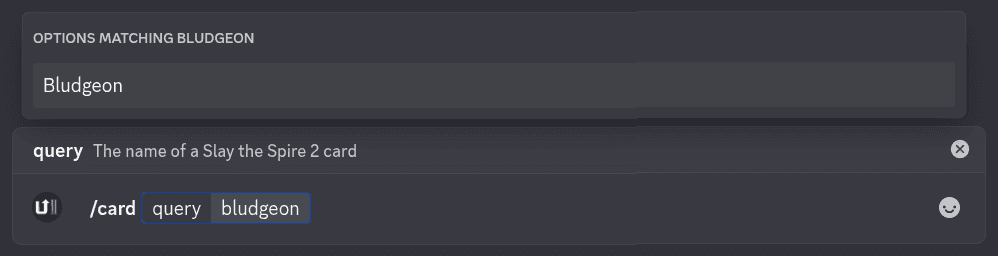
To search for a card, type slash (/) followed by "card" so the text entry says "/card". Next, press <Tab> if you're on Desktop, or tap the command if you're on Mobile.
Now, start typing the card name! You will see the offer for your choices matching your entry. Send the command, and anybody can see the card.
How do you add STS2Bot to your Discord Server?
Adding the bot to your Discord server takes just a minute.
Click the invite link below and select the Discord server you want to add the bot to. You'll need the Manage Server permission to add bots:
That's it! Once the bot is added, anybody on your server can start using it.
If you'd like to write an announcement for your community or help out other users, you can link directly to the commands with the following snippets. Just paste them in a Discord message:
- </card:1479233405651783793>
- </relic:1479234107647987974>
- </potion:1479234107647987976>
- </event:1483399336460025917>
How do you use STS2Bot everywhere on Discord?
Want to use STS2Bot in your DMs? Or use it on servers that don't have the bot? No problem! You can now install STS2Bot as an app on your own Discord account, which allows you to use it everywhere:
Once you've installed it on your Discord account, you can use it almost anywhere on Discord. Please note that some servers disable the Use External Apps permission, which will prevent STS2Bot from working unless it is installed on that server.
Where can I get help if I'm having issues with STS2Bot?
Found a bug or missing a card? Join our Discord community server and let us know so we can fix it!
Hungry for more Slay the Spire 2 knowledge? Be sure to check out our Getting Started guide!